
Back to changelog
Funding & Transfers
Oct 30, 2026
Portfolio Transfers (ACAT)
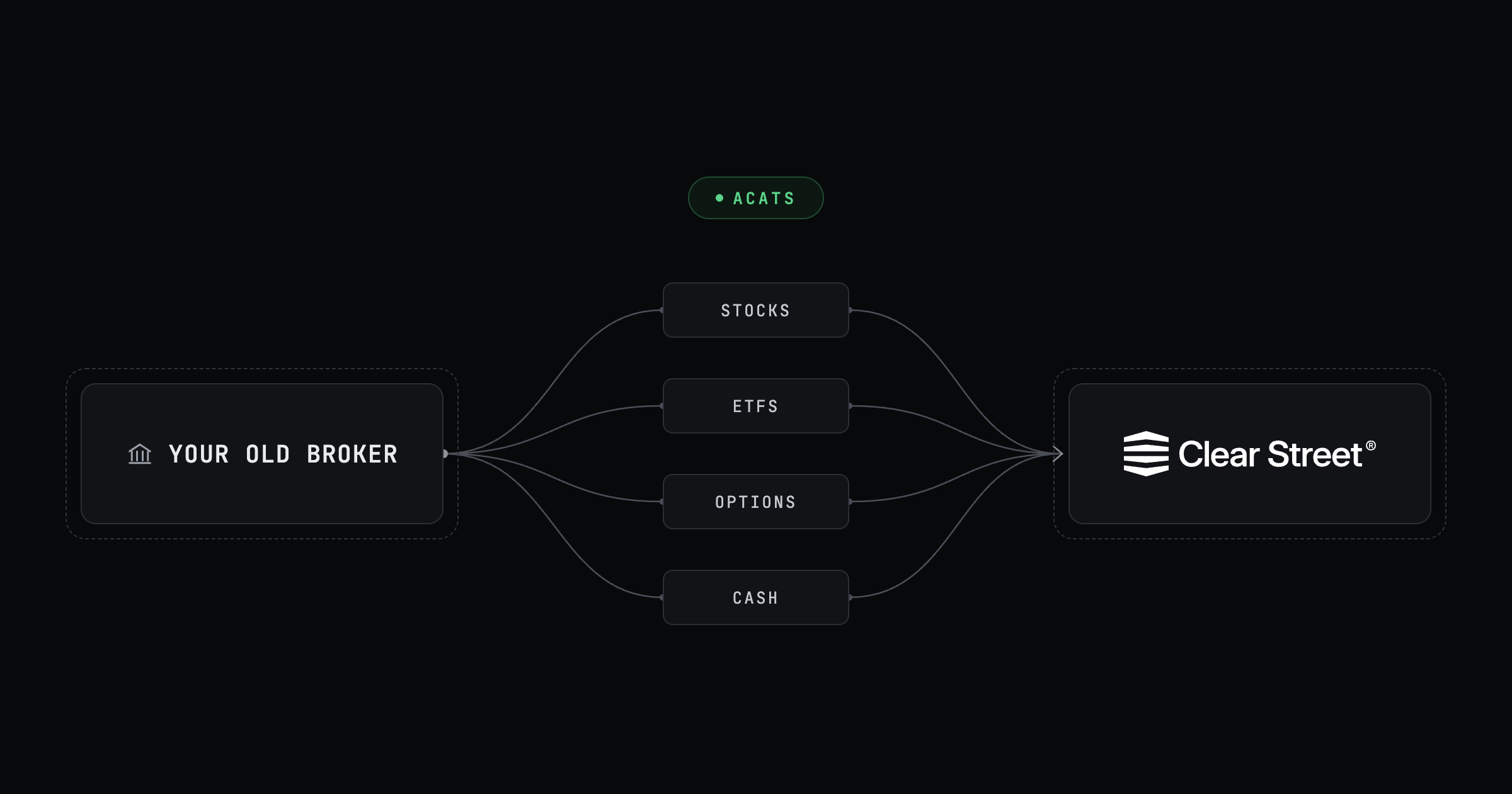
Bring your existing brokerage account to Clear Street from the app on web and mobile, with no transfer-in fee. Choose a full transfer to move all your equities, options, and cash, or a partial transfer to pick the positions and cash you want to move. Upload a recent statement, sign electronically, and follow your request from the Transfers list.
Learn how to transfer your account
Changelog
- Omni handles trailing stops. Ask for a trailing stop or trailing stop limit, with the offset in dollars or percent, and Omni fills in the order card for you.
- More TradingView order settings. TradingView now supports IOC, FOK, at-the-open and at-the-close time in force, and extended hours on stop-limit orders. Rejections use the same plain-language messages as the app.
- Greeks on the options chain (web). Add, remove, rearrange, and reset the columns of the options chain to see what matters to you.
- Preview orders in the API. New order preview endpoints show the impact of an order without submitting it.
- See all your holdings at once (mobile). A new All tab on Positions lists every holding in one place.
- Know why Omni orders are rejected (mobile). If an order from Omni is rejected, its card shows the reason.
- Explore while you wait (web). Look around the app while your application is in review, with its status shown in the header.
- Overnight margin values. Overnight-session margin values now appear in the app.