Trading
Clear Street
Using AI to Build and Review Basket Trades

Learn how to build basket trades quickly using AI so you can trade your thesis and manage your portfolio with ease.

Get up to $10,000
The 3% Cash Match is available to new Clear Street customers who open and fund an individual cash or margin brokerage account between November 9, 2026 and December 31, 2026. U.S. residents only. No promo code required. Earn 3% of your net deposits made within 14 days of your first funding date, up to $10,000. A minimum net deposit of $5,000 is required. The Cash Match is credited within 30 days after the 14-day period ends. To keep the Cash Match, your deposited funds must remain in your account for 5 years after the match is credited. The Cash Match cannot be withdrawn during that period. If you withdraw funds during that period, all or part of the Cash Match may be charged back. Customers who have previously opened a Clear Street account or received a prior new-account promotion are not eligible. Offer may be combined with Clear Street referral rewards, but not with other promotions. Investing involves risk, including the possible loss of principal. The Cash Match does not protect against investment losses.
Trading requires carefully managing your exposure across multiple sectors and asset classes as market conditions change. Institutions have long used basket trades—trades that simultaneously buy or sell dozens of securities—to achieve this. But basket trading has traditionally been difficult for individual traders because of the complex analysis required to determine how stocks are related and how to weight them effectively in your portfolio.
AI is changing that calculus by facilitating the analysis of basket trades, the measurement of correlation risk, and the optimization of portfolio weights. In this guide, we’ll explain how you can use Clear Street’s Omni AI trading assistant to build your own basket trades.
What Are Basket Trades?
Basket trades are orders to buy or sell a group of securities simultaneously. They’re frequently used by institutional investors to manage large portfolios and rebalance positions.
Retail traders can similarly use basket trades to rebalance holdings as well as to trade around a thesis and manage risk. Here are some of the main reasons to use basket trades:
- Trade around macro ideas: If you have a macro thesis like “interest rates will go down,” you can use a basket trade to get exposure to the idea across multiple positions while reducing single-stock risk.
- Customizing exposure: You can also use basket trades to replicate parts of an ETF while leaving out stocks or assets you don’t like or already own. For example, you can create a basket of stocks that’s similar to the NASDAQ 100, but without mega-caps you already have exposure to.
- Portfolio rebalancing: Using a basket trade to rebalance your portfolio simplifies your workflow and sends all orders at nearly the same time, rather than over a period of several minutes.
- Hedging: You can use basket trades to build a portfolio of uncorrelated assets or develop multi-ticker pair trades that limit your risk in case of a strong directional move. For example, you could buy several semiconductor manufacturing stocks while shorting several data center stocks to hedge against a large move in the tech sector.
Basket trades are also useful when you simply want to buy or sell multiple tickers quickly. You can submit multiple orders at once rather than set up and execute orders one at a time.
How to Use Omni AI to Build Basket Trades
We’ll walk step-by-step through how to build and review basket trades using Clear Street’s Omni AI trading assistant.
Step 1: Identify What Stocks to Include
The most important step in building a basket trade is deciding what stocks to include. Omni AI can help with this in several ways, including:
- Identifying stocks that fit your thesis or desired exposure
- Building stock screens based on your custom criteria
- Calculating correlations between stocks
- Analyzing your portfolio to identify your existing exposure
For example, you can ask Omni AI to build a basket of stocks that is resilient to an energy shock:
Build a basket of 15 stocks designed to hedge against energy shocks while minimizing correlations among the stocks.

You can also build a basket that takes into account your current portfolio. For example, ask Omni AI:
Build a basket of high-beta semiconductor stocks that avoids overlap with the stocks already in my portfolio.

Step 2: Calculate Weights
Once you know what stocks you want to include in your basket, Omni AI can help you decide how much weight to assign each of them.
There are several ways to do this. The simplest option is to tell Omni AI how much you want to invest, and it’ll automatically calculate the number of shares of each stock to buy for an equal-weight allocation.
Alternatively, you can ask Omni AI to weight each stock’s allocation according to its volatility, market cap, a fundamental metric like profitability, or even performance over a specific time period. For example:
I want to invest $50,000 in this basket, with each position weighted according to volatility (more volatility, smaller position). Can you calculate the position size for each stock?

If you’re using a basket trade to rebalance your portfolio, you can give Omni AI custom instructions for what to buy and what to sell. For example, you can tell it to trim any positions larger than $10,000 and use the proceeds to add to any other positions that are up more than 10%.
If you want to adjust the position size for any individual order, just prompt Omni AI with the change. For example:
Increase the AMD position by $1,000 and reduce the MRVL position by $1,000 in this basket.

Step 3: Run Pre-trade Checks
Once you’re happy with the basket, it’s important to make sure your trades are actually executable. For example, if your basket includes short sales, it’s important to make sure shares are available to short and check the borrow rates for those stocks. Similarly, it’s a good idea to compare your trade volume to the stock’s average daily volume to ensure you won’t adversely impact the price during execution.
Omni AI can run these pre-trade checks for you:
For short positions in the basket, check whether shares are available to short and show borrow fees. For all positions, alert me if the execution volume is greater than 1% of the average daily volume.

Step 4: Review and Submit Orders
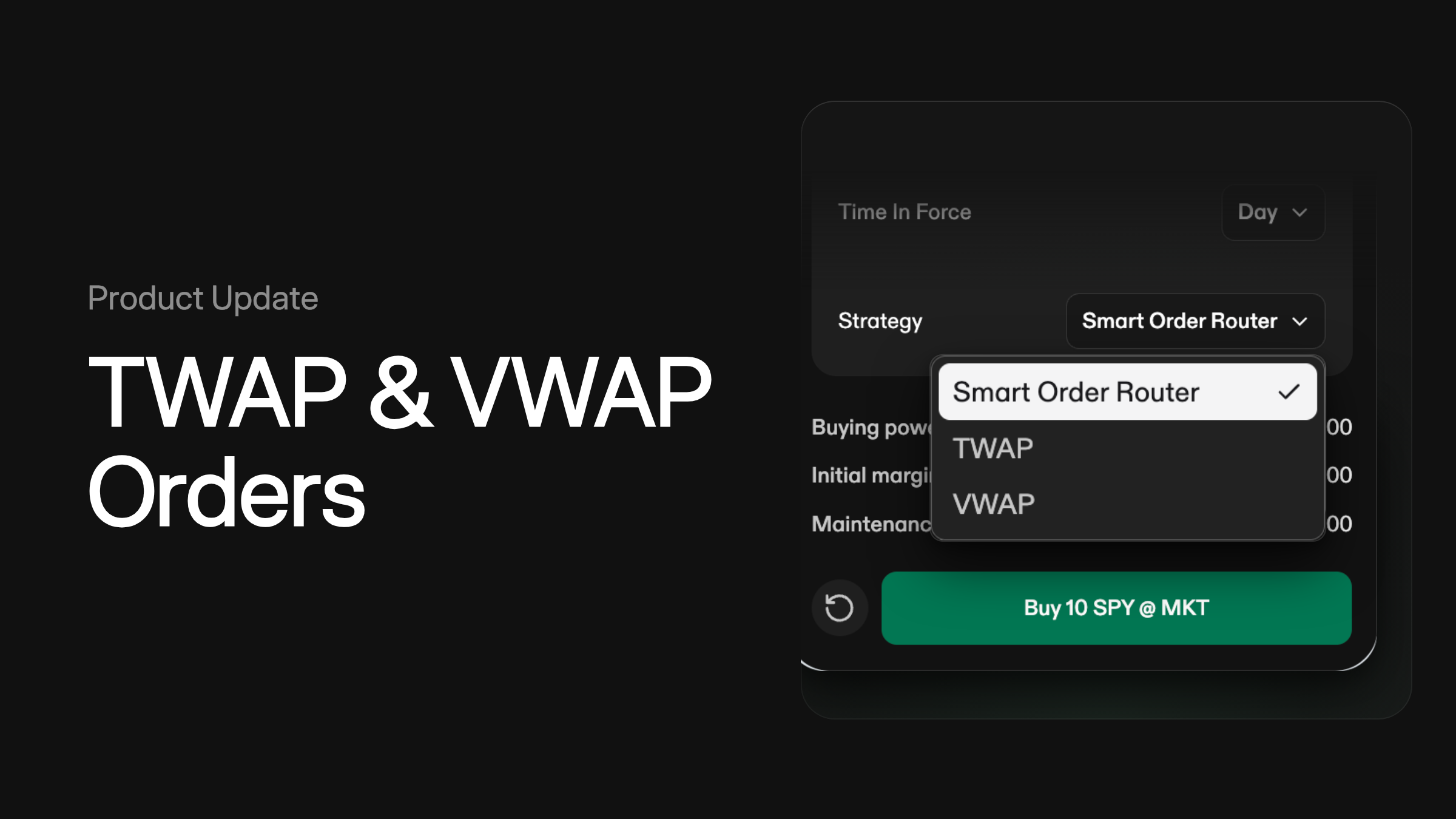
When your basket is ready, ask Omni AI to prepare order tickets for the basket trade. You can specify whether you prefer market or limit orders and, for large orders, ask Omni AI to use a time-weighted average price (TWAP) or volume-weighted average price (VWAP) execution strategy to avoid moving the stock price with your order.
Omni AI will stage order tickets for you to review. You can confirm each order individually or all at once with a single click and Omni AI will submit your basket for execution.

Step 5: Managing Your Basket Trade
Once your trade has been submitted, you can actively manage it with Omni AI. The chatbot can report on the status of each of your orders and you can easily prompt it to modify any order that hasn’t yet filled. You can also ask Omni AI to close your entire basket with a single prompt, rather than having to submit multiple orders to close each individual position.
Build Smarter Basket Trades with Omni AI
Omni AI makes it easy to build basket trades so you can turn any thesis into a trade, balance your portfolio, and manage your risk. It enables you to screen basket candidates, optimize position sizes, run pre-trade checks, and execute orders with simple conversational prompts.
Ready to take your trading workflow to the next level? Open a Clear Street account today and try Omni AI for yourself.
Products and services offered by Clear Street LLC, member FINRA, SIPC, CFTC and NFA. Additional information about Clear Street is available on FINRA BrokerCheck, including its Customer Relationship Summary.
Clear Street does not provide investment, legal, regulatory, tax, or compliance advice. Consult professionals in these fields to address your specific circumstances. These materials are provided for informational purposes only and subject to change without notice or obligation to replace any information contained therein. This is not an offer, solicitation of an offer, or advice to buy or sell securities, or open a brokerage account in any jurisdiction where Clear Street is not registered. Securities trading, particularly trading on margin or using options, involves significant risk and is not suitable for all investors.
Related blogs